DSTV Explora vs Explora Ultra — A 2026 Buyer's Guide
DSTV Pro Installers Team9 min read
We get asked at least five times a week — "should I upgrade to the Explora Ultra or stick with the Explora 3?" It is a fair question. The two units look similar, they run broadly similar subscription tiers, and the MultiChoice store staff do not always explain the actual day-to-day differences well. Here is the 2026 lay of the land, based on what we install in Gauteng homes every week.
Quick note on pricing — MultiChoice adjusts decoder prices periodically, and we have seen both small increases and bundle promotions in the last twelve months. The numbers below are typical retail ranges at the time of writing; always confirm with MultiChoice or an accredited retailer before you buy.
The short answer
- If you watch mostly linear DSTV, have one or two TVs, and are not bothered about 4K, the Explora 3 is still the better value choice.
- If you watch a lot of BoxOffice or Showmax content in 4K, have multiple rooms, and want the Connect app to work smoothly for streaming out of the home, the Explora Ultra is the right upgrade.
- If you are currently on an HD PVR 2 or older, the jump to either Explora is worth it — the user interface, the PVR capacity, and the responsiveness are all significantly better.
Hardware differences that actually matter
Resolution and HDR
The Explora Ultra supports 4K UHD with HDR10 on channels and content that broadcasts in that format. As of 2026, that is a handful of sports events, select Showmax originals, and most BoxOffice titles. The Explora 3 is capped at Full HD (1080p). If you own a 55-inch or bigger 4K TV and you are paying for Premium, the Ultra is the only way you see the full benefit.
Hard drive
The Explora Ultra ships with a 1 TB internal drive. The Explora 3 ships with 2 TB. Counter-intuitive, we know — but the Ultra relies more heavily on streaming through the DSTV Connect integration, so MultiChoice trimmed the local storage. If you are a heavy PVR user recording series links across multiple channels, the 3 actually gives you more headroom.
Streaming and Connect
The Explora Ultra has DSTV Connect built in, which means the decoder itself streams Showmax content via the home wi-fi rather than requiring a separate Showmax box. The Explora 3 can do Catch Up and BoxOffice on demand, but Showmax integration is lighter and some of the newer Showmax-exclusive titles are Ultra-only. If your household watches a lot of Showmax, this alone tips the scales.
Remote and interface
The Ultra ships with a voice-enabled Bluetooth remote that also works through walls, which is genuinely useful in a larger living room or a media cabinet behind closed doors. The Explora 3's IR remote is fine but does the usual "point directly at the decoder" dance. The Ultra's UI is also snappier — about 30 percent faster menu navigation in our subjective experience.
Use cases by household
Single-room home or flat
One TV, maybe two, no Extra View, and linear viewing is the main use case. The Explora 3 wins here — bigger drive, cheaper entry point, and the lack of 4K content does not matter if the screen is 42 inches or smaller anyway. A typical Explora 3 setup in a Sandton apartment or a Centurion townhouse takes about 90 minutes from arrival to first picture.
Multi-room household, kids and parents watching separately
If you need Extra View across two or three rooms and one of those is a 4K living-room TV, mix and match. Put the Explora Ultra as the primary in the main room and an Explora 3 as a secondary Extra View decoder in a bedroom. You get 4K where it matters and cheaper hardware in the rooms that do not need it. This is our most-installed configuration in Silver Lakes and Fourways double-storey homes.
Sports-heavy household
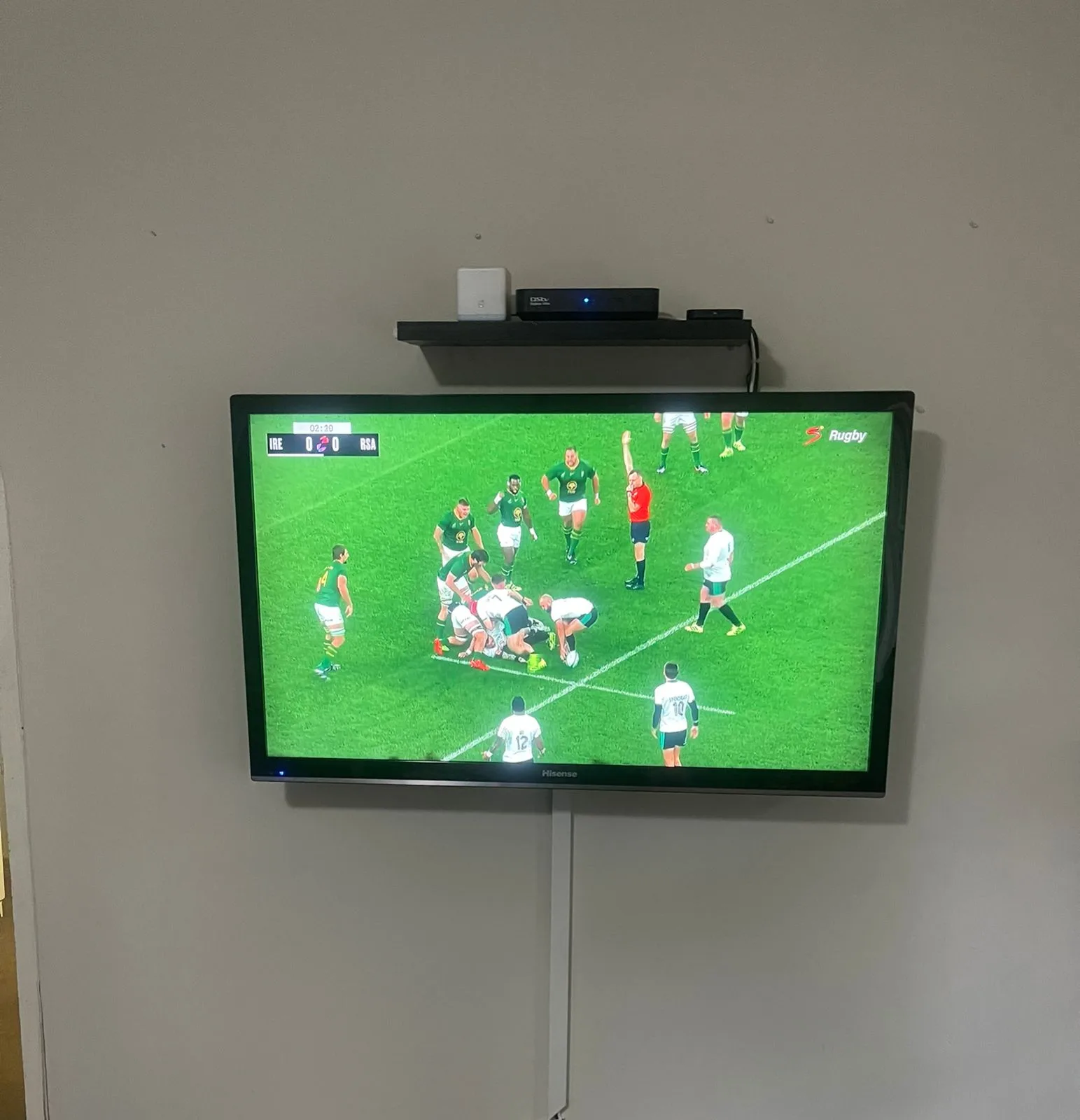
If your weekends are SuperSport from first whistle to last, and especially if you subscribe to the 4K SuperSport feeds when they are available (rugby tests, Formula 1, European football), the Explora Ultra is worth it. The HDR bump alone on a decent-sized 4K OLED or QLED is noticeable.
BoxOffice and movie-heavy household
Explora Ultra, without question. BoxOffice has been rolling out more 4K titles and the Ultra is the only way to see them. The Showmax integration is also the cleanest movie-night experience MultiChoice has ever shipped.
What the installation involves
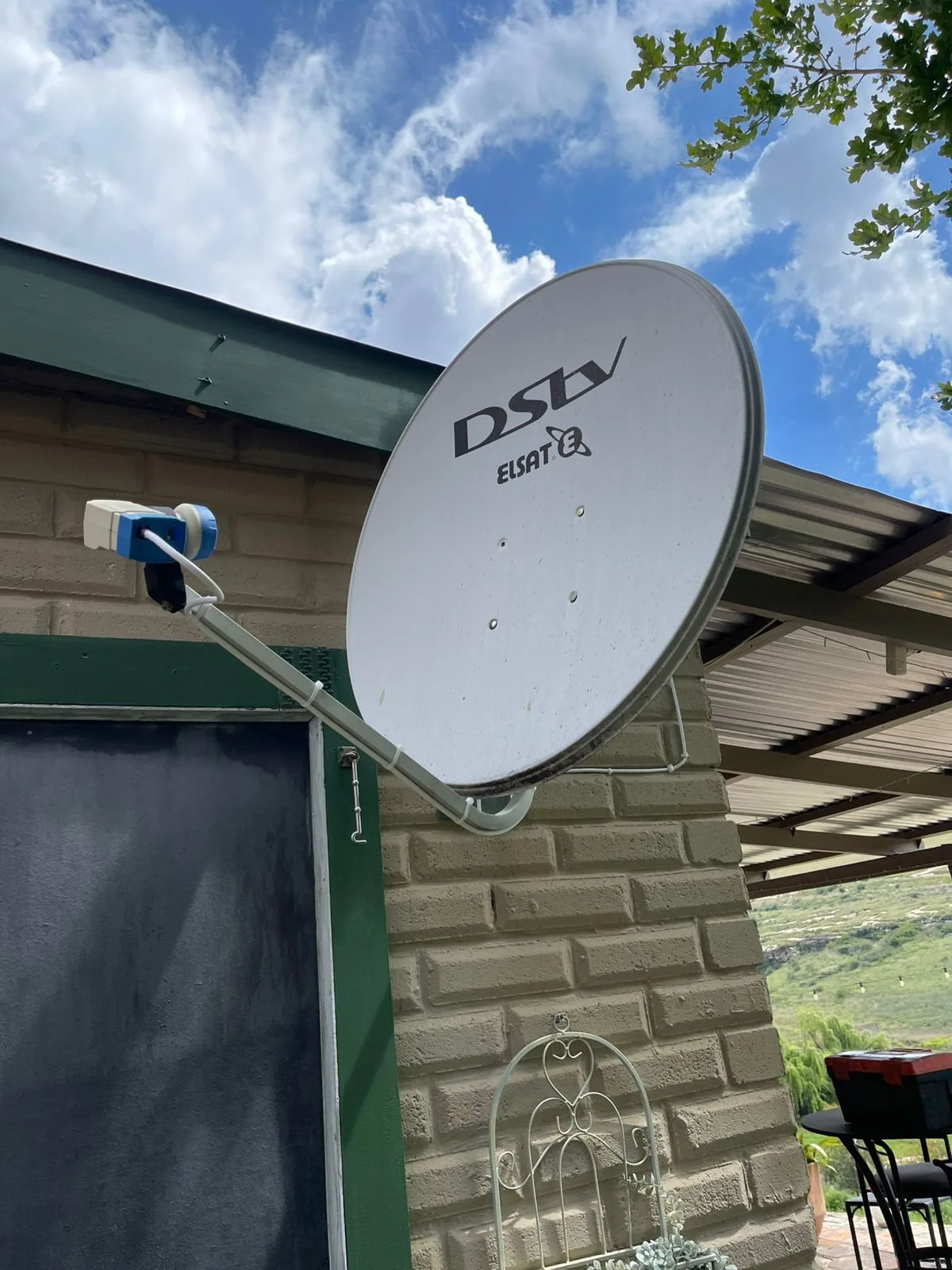
Both units install essentially the same way from a technician's point of view — a standard single-dish, single-LNB setup works fine for either. The differences are post-install — pairing, activation, and (for the Ultra) getting the Connect wi-fi integration working smoothly with your home router. A properly trained Explora installation technician will also walk you through the differences on the day so you are not lost in the menu three days later. Most installs take between 60 and 120 minutes depending on whether we are also running Extra View cabling.
Need a hand? Book an accredited installer in your suburb
Not sure which Explora suits your household? We do free on-site assessments — a technician walks through your lounge, checks your current setup, asks a few honest questions about what you watch, and makes a recommendation with no pressure. Call 077 454 4032 or use our contact page. Read more on Sandton or Silver Lakes pricing specifics if that is your suburb.